
Share from Instagram
How to send Instagram reels and posts to Envoyr
Share from Instagram
Found a creator sharing the best spots in Tokyo or hidden gems in your city? Here's how to send that content to Envoyr so you never lose track of those recommendations.
Make sure you've added Envoyr to your share menu first.
Find a Reel or Post
When you're scrolling through Instagram and find a reel or post with travel recommendations, restaurants, or places you want to remember, tap the paper airplane icon (share button) below the content.
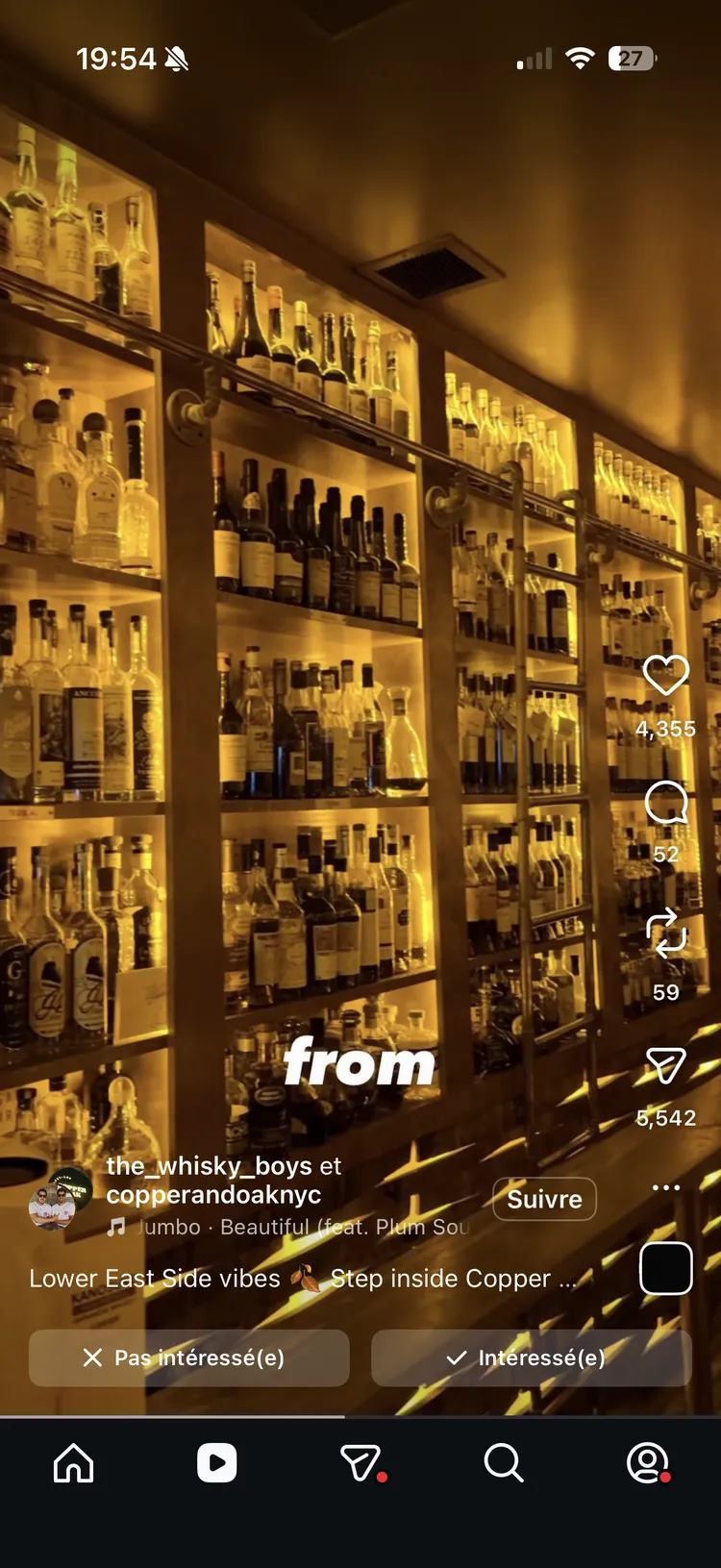
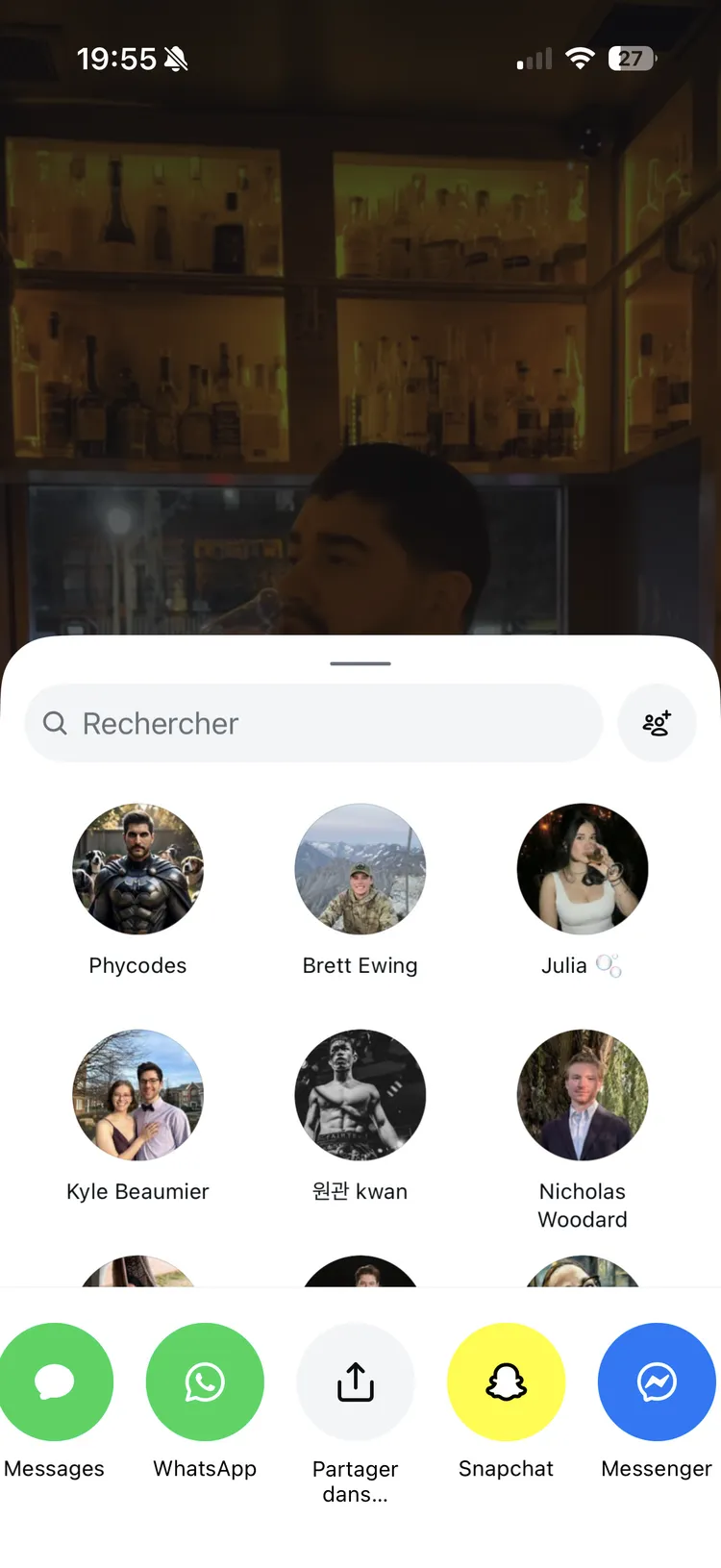
Tap 'Share to...'
In the share menu that appears, scroll down and tap Share to... to open the iOS share sheet.
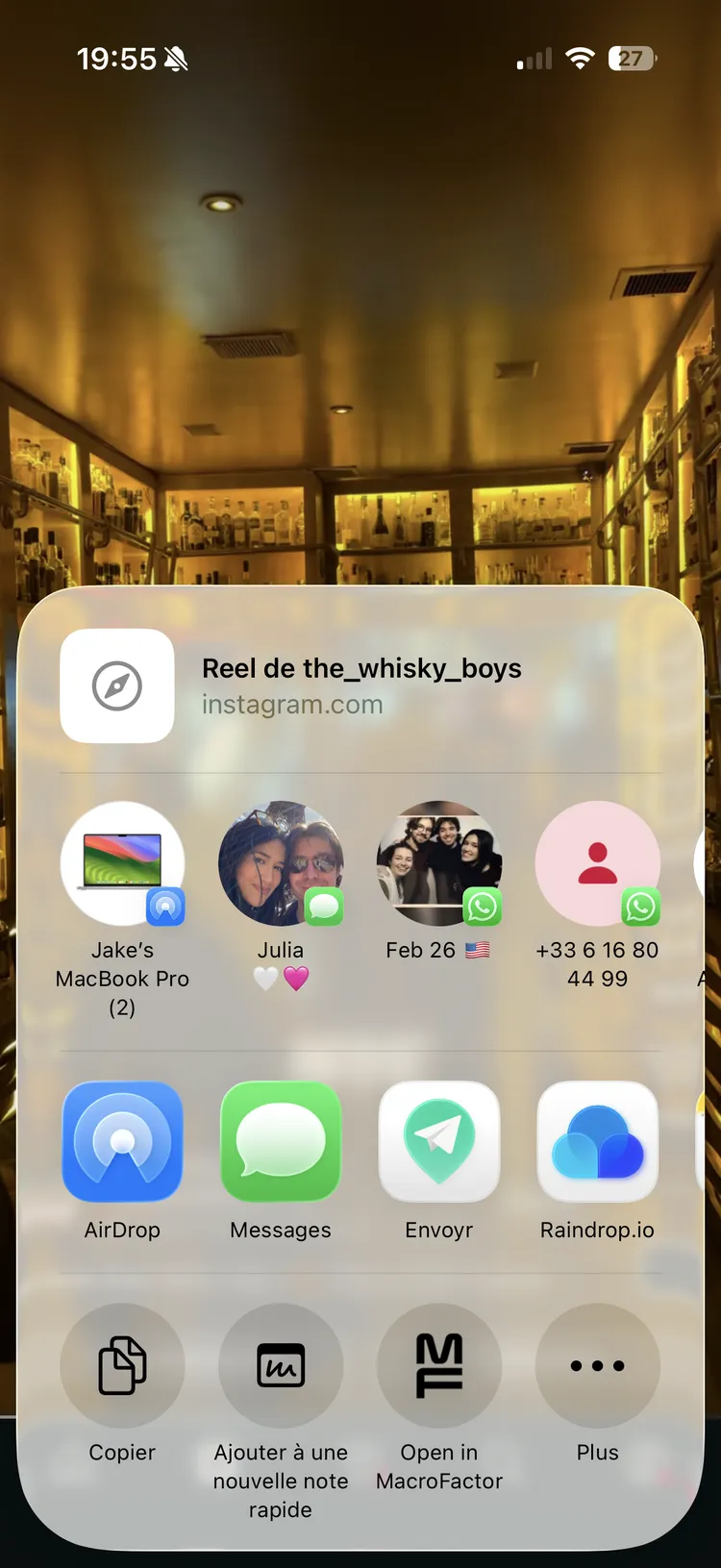
Select Envoyr
Find and tap Envoyr in the share sheet. The app will automatically extract the link.
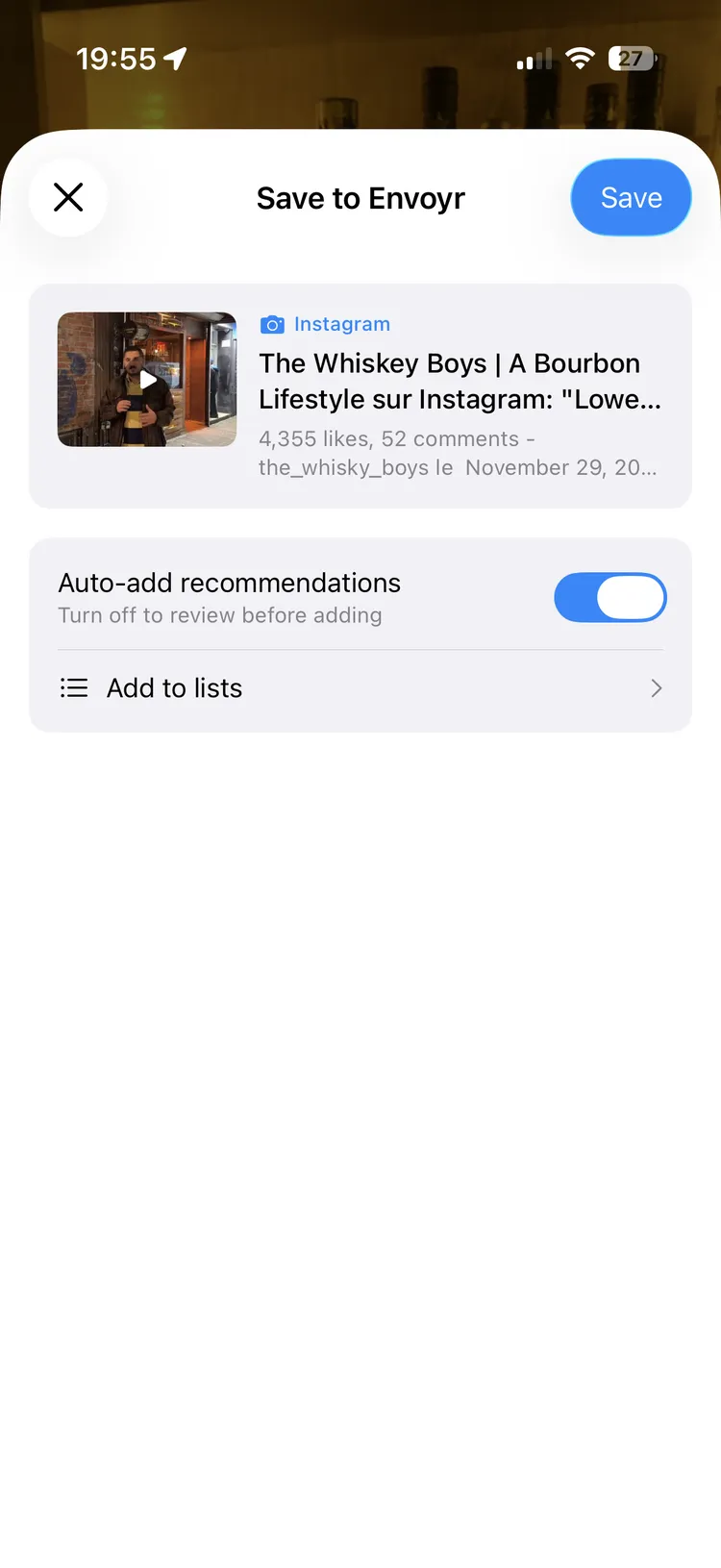
Watch the Magic
Envoyr will process the video, extract all the places mentioned, and map them for you. You'll get a notification when it's done.
What Gets Extracted?
Envoyr listens to what the creator says and reads any text on screen to find:
- Restaurant and cafe names
- Hotels and places to stay
- Attractions and activities
- Neighborhoods and areas to explore
- Specific addresses when mentioned
All of these get pinned to a map so you can plan your trip visually.
The more specific the creator is about locations, the better Envoyr can find them. Videos that say "this cafe in Shibuya" work better than "this random place I found."